Building an online course on WordPress should be easy—but often, it’s not. The platforms you use can sometimes get in the way.
Regular or hidden fees add up, and flexibility gets lost in the process. What should be a simple task can quickly become complicated. Instead of a smooth experience, student management and payments get a lot harder.
So, how do you solve these issues?
WordPress LMS plugins can help. They let you create, manage, and sell your courses with no extra fees or restrictions. This way, you can focus on what matters most—your course content.
Today, let’s explore how to find the best WordPress LMS plugin and bring your online course to life. Read more below:
Table of Contents
Common Challenges of Setting up an LMS in WordPress
Plugins, themes, and settings all need to work together, but sometimes they don’t—especially when it comes to Management System plugins like LMS. What works today might not work tomorrow after an update.
For example, one LMS setting could interfere with another plugin, or a theme update might alter your site’s appearance.
You’ll also need to configure courses, user roles, and payment systems. This can be time-consuming and more costly than you might expect.
Then there’s ongoing maintenance, security, and integration. Updates can override custom changes, and security measures are essential to protect user data.
Payment systems and other tools need to stay connected, as even a small issue can cause bigger problems. That’s why you need regular backups and monitoring.
Best LMS for WordPress: Comparison Table
It’s okay if you don’t want to go through the entire thing. Now, you can find the best learning management system WordPress plugin for your needs while reading just a fraction of the content.
Here’s a comparison chart just for you!
| Criteria | LearnDash | LifterLMS | Tutor LMS | Sensei LMS | LearnPress | MasterStudy LMS | WP Courseware |
| Best For | Professional Course Creators | Membership-Based Course Websites | Beginners & Small Course Creators | WooCommerce Integration | Free LMS Plugin with Paid Add-Ons | Interactive Course Features | Corporate & Internal Training |
| Free Version | ❌ No | ✅ Yes | ✅ Yes | ✅ Yes | ✅ Yes | ✅ Yes | ❌ No |
| Monetization Options | One-time, Subscription, Memberships | Memberships, Subscriptions | One-time, Memberships | WooCommerce-based sales | One-time, Memberships | One-time, Memberships, Bundles | One-time, Subscriptions |
| Course Builder Type | Drag & Drop | Drag & Drop | Drag & Drop | Standard Block-Based | Modular | Drag & Drop | Drag & Drop |
| Quiz & Assessment Tools | ✅ Advanced | ✅ Advanced | ✅ Basic | ✅ Basic | ✅ Basic | ✅ Advanced | ✅ Advanced |
| Certificates & Badges | ✅ Yes | ✅ Yes | ✅ Yes | ✅ Yes | ✅ Yes | ✅ Yes | ✅ Yes |
| Student Management | ✅ Detailed | ✅ Detailed | ✅ Basic | ✅ Basic | ✅ Basic | ✅ Detailed | ✅ Detailed |
| Key Integrations | WooCommerce, Stripe, PayPal | Stripe, PayPal, WooCommerce | WooCommerce, PayPal, Stripe | WooCommerce, PayPal, Stripe | WooCommerce, PayPal, Stripe | Zoom, PayPal, Stripe | Stripe, PayPal, WooCommerce |
7 Best LMS Plugins for WordPress in 2025
LearnDash – Best for Professional Course Creators
Your search for the Best LMS for WordPress will somehow lead you to this WordPress plugin! LearnDash has been designed to help create, sell, and manage online courses. It’s ideal for professional course creators looking for a simple yet powerful platform to build and organize their courses.
With LearnDash, you can easily set up courses, add quizzes, track progress, and monetize your content.
Key Features of LearnDash
Easily Build Courses with the Drag-and-Drop Builder
Create courses effortlessly by dragging and dropping elements. No technical skills are required here. You can organize lessons, topics, and quizzes in just a few clicks.
Save Time with AI-Generated Course Outlines and Quizzes
Let AI generate course outlines and quizzes automatically, speeding up the process so you can focus on content creation.
Maximize Earnings with Flexible Monetization Options
Choose how you want to monetize your courses—whether through one-time payments, memberships, or subscriptions. LearnDash makes it easy to set up.
Track Learner Progress with Detailed Analytics
Monitor student progress, quiz scores, and assignments with clear, detailed analytics. This helps you understand what’s working and what needs improvement.
Pros
- Feature-rich for professional course creation
- Supports add-ons for extended functionality
- Intuitive, easy-to-use course builder
- Active community for help and support
- Regular updates with new improvements
Cons
- Not beginner-friendly; has a learning curve
LifterLMS – Best for Membership-Based Course Websites
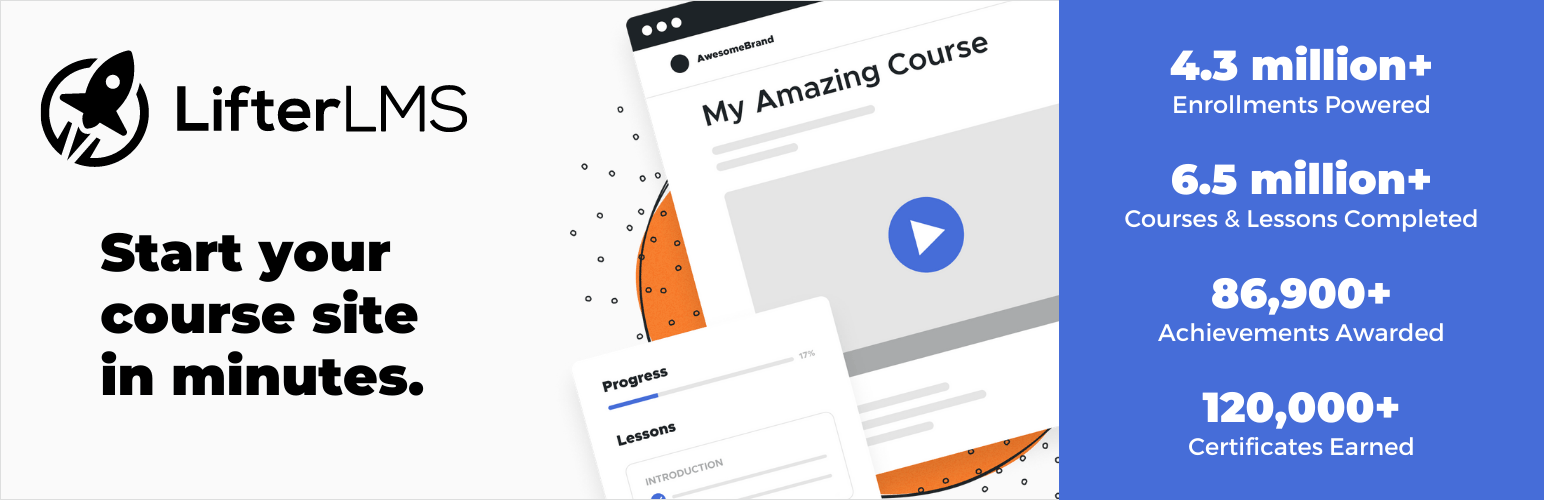
LifterLMS helps you create and sell online courses with membership options. It gives you full control over content access while simplifying payment management, student progress tracking, and engagement.
Key Features of LifterLMS
Manage Membership Levels and Content Access
Set up different membership tiers to control who can access specific courses or content. You decide what’s free, what’s paid, and who gets in.
Integrated Payment Processing with Multiple Options
Sell courses through one-time payments, subscriptions, or bundled packages. With built-in Stripe and PayPal support, students can enroll easily.
Engaging Learning with Interactive Tools
Control how and when students access your content. Drip-feed lessons over time, set prerequisites, or unlock everything at once—it’s all up to you.
Seamless Integration with Major Themes and Page Builders
LifterLMS works with any WordPress theme and supports popular page builders like Elementor and Divi, ensuring your course site matches your design perfectly.
Pros
- Ideal for building membership-based learning platforms
- Supports diverse pricing models and payment methods
- Includes built-in tools to enhance student engagement
- Compatible with various WordPress themes and plugins
- Eliminates the need for additional payment processing plugins
Cons
- Some users have reported that updating LifterLMS caused website crashes, though this is not a widespread issue.
Tutor LMS – Best for Beginners & Small Course Creators
Tutor LMS is one of the best LMS for WordPress at the moment. It’s the perfect solution, according to the market, for beginners and small course creators looking for a straightforward way to build and manage online courses.
It eliminates technical barriers, making course creation accessible to everyone, regardless of experience level.
Key Features of Tutor LMS
Drag-and-Drop Course Builder
Creating your course is as simple as dragging and dropping. Add lessons, quizzes, and videos effortlessly. And yes, with no coding.
Easy Monetization with Multiple Payment Options
Set up a one-time fee or a recurring subscription with flexible payment options that suit your needs. Getting paid is quick and hassle-free, allowing you to focus on growing your content.
Front-End Dashboard for Students
Students can easily track their progress, courses, and achievements in a neatly organized dashboard.
Seamless Integration with Popular Page Builders
Tutor LMS works smoothly with page builders like Elementor and Divi, letting you customize your pages however you like.
Pros
- User-friendly interface with a robust feature set
- Flexible monetization options for course creators
- Compatible with popular page builders
- All-in-one dashboard for easy management
Cons
- Reported to have compatibility issues with certain themes and plugins
ARMember – Best for Selling Online Courses with Memberships

ARMember is one of the best WordPress membership plugin that lets you create, manage and sell online courses through membership plans.
It’s a best-fit option for educators, coaches, training businesses and creators who want to offer exclusive online course content alongside managing subscriptions from one place.
Key Features of ARMember
Easy Online Course Creations
Create and sell online courses with zero coding. Make quizzes for fun & test, video, audio or text lessons and generate certificates at the end as proof of completion.
Membership-Based Course Access
ARMember lets you restrict online course content based on membership plans. You can create multiple membership levels and give users access to specific courses, lessons or learning resources.
Flexible Payment Options
Selling courses is simple with ARMember. It supports one time payments, recurring subscriptions, free trials, and paid trial memberships via 22+ popular payment gateways.
Drip Content for Better Learning
ARMember lets you set smart drip content rules. So release lessons gradually to keep students on the edge of excitement.
Course Protection and User Management
You can protect pages, posts, custom post types and other learning resources with just a few clicks. Further, ARMember also offers user profile management, member directories and subscription management tools.
Pros
- 62+ premium addons in-built
- Online course and Social community features
- Easy setup and simple user interface
- Works well with WooCommerce and popular WordPress plugins
Cons
Not a complete LMS plugin if you need advanced features
Sensei LMS – Best for WooCommerce Integration
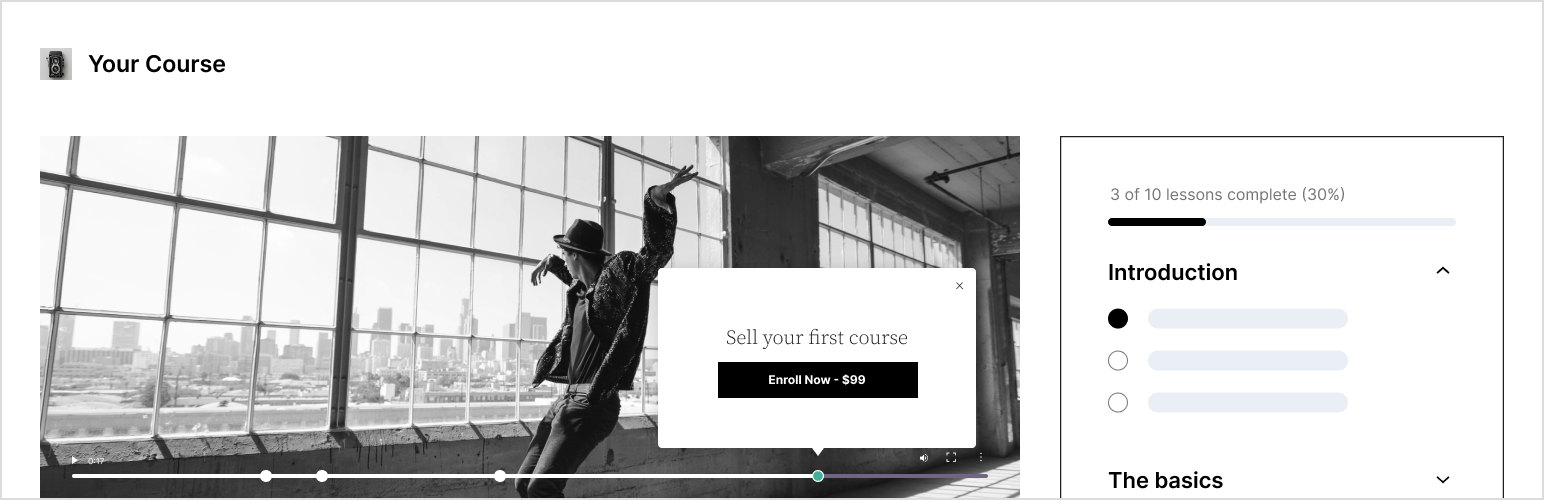
Sensei LMS is the LMS plugin from Automattic, the company behind WordPress.com. Though WooCommerce is for online stores, it can also provide a great way to sell courses, and Sensei LMS integrates seamlessly with it. With minimal effort, you can build, sell, and track courses efficiently.
Key Features of Sensei LMS
Seamless WooCommerce Integration
Sensei LMS and WooCommerce integrate perfectly, so selling courses becomes effortless for you. You can offer one-time payments, subscriptions, or memberships, all within a smooth, automated system.
Enhanced Quiz Features
This LMS plugin enables you to create various types of quizzes, such as timed tests or ordering questions. The Pro version even allows quizzes to be placed anywhere on your site, offering greater flexibility in course design.
Distraction-Free Learning Mode
The Learning Mode feature enhances focus by enabling a full-screen, distraction-free experience. Students stay engaged and absorb lessons more effectively.
Student Progress Tracking
You get detailed student progress tracking and insights into performance trends. This allows you to identify areas where students may need extra support or where they are excelling.
Pros
- Easy WooCommerce integration for seamless course sales
- Simple setup with a user-friendly interface
- Flexible quiz options for enhanced interactive learning
- Accurate student progress tracking to support improvement
Cons
- Advanced features require the Pro version, limiting customization options in the free version
LearnPress – Best Free LMS Plugin with Paid Add-Ons
LearnPress is a free tool for creating and managing online courses. And according to them, LearnPress will stay free. It’s ideal for teachers, businesses, or anyone looking to build a course.
Key Features of LearnPress
Easy Course Creation & Management
LearnPress makes course creation simple. You can add lessons, quizzes, and assignments quickly without any coding knowledge.
Organizing your courses is also easy, and you can effortlessly import or export them as needed.
Sell Your Courses
Want to monetize your courses? LearnPress supports payments via PayPal, Stripe, and WooCommerce. You can charge a one-time fee or offer subscriptions—it’s up to you.
Offline Course Features
LearnPress lets you set locations, dates, and delivery methods, making it a great choice for schools or educators who teach both online and in person.
Add-Ons for More Features
It offers both free and paid add-ons, allowing you to add features like certificates, gamification, and live classes to make your platform stand out.
Pros
- Easy course creation—no coding required
- Detailed curriculum, quizzes, and flexible customization
- Seamless integration with WordPress themes, plugins, and third-party tools
- Regular free updates
Cons
- Reported to have bugs or glitches occurring sometimes
MasterStudy LMS – Best for Interactive Course Features
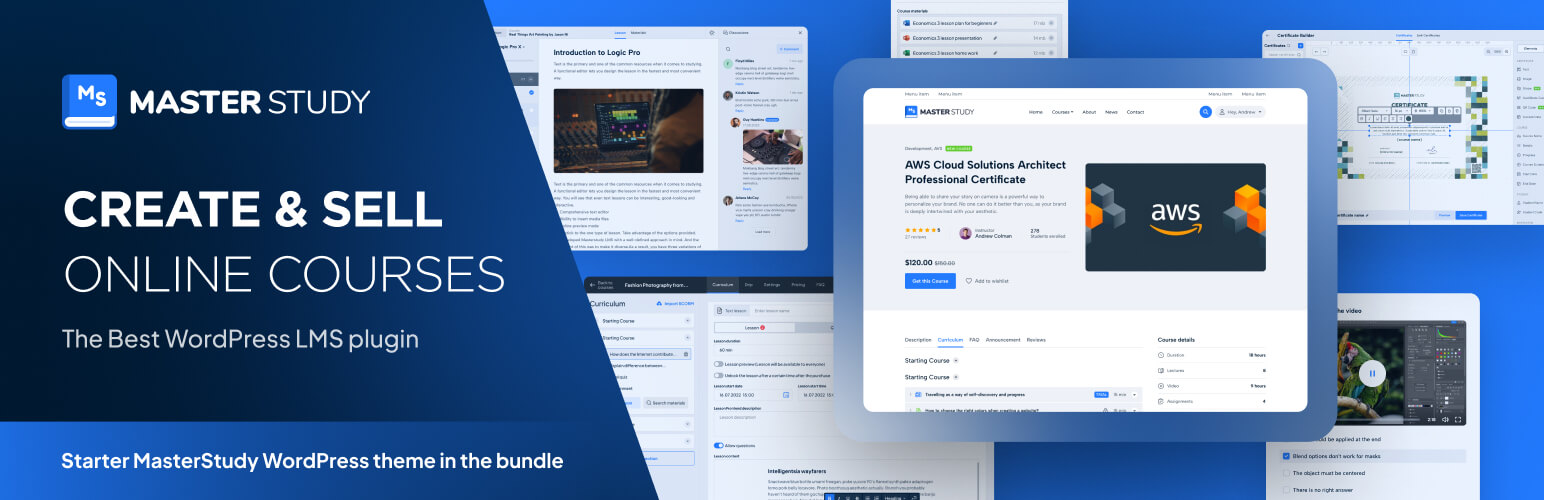
MasterStudy LMS is great at helping you create engaging and interactive online courses. It’s perfect for designing lessons and quizzes that keep students motivated and involved.
Key Features of MasterStudy LMS
Interactive Course Builder
Using the course builder, you can add lessons, videos, and quizzes all in one place. Everything integrates seamlessly, making it easy to create engaging courses for your students.
Advanced Quiz and Assessment Tools
MasterStudy offers various types of quizzes, such as multiple-choice and true/false questions. You can shuffle questions, track results, and keep quizzes fresh and exciting for your students.
Dynamic Course Player
In the course player, students can shift between light and dark modes and easily track their progress. Clear navigation buttons help them stay on track and continue progressing through the lessons.
Student Engagement Features
Students can ask questions, interact with instructors, and leave reviews. The dashboard helps them monitor their progress, while the review system keeps them connected to the course.
Pros
- User-friendly interface that enhances course creation.
- Extensive customization options for course design.
- Smooth integration with WooCommerce and Uncanny.
- Responsive customer support that addresses user inquiries.
- Affordable pricing compared to similar LMS solutions.
Cons
- Limited RTL (Right-to-Left) support, which may affect course presentation for some
WP Courseware – Best for Corporate & Internal Training

Corporate and internal training has never been easier. WP Courseware helps you create courses, track progress, and manage employee learning effortlessly.
Whether you’re training new hires or improving existing skills, the plugin simplifies the setup and execution of training programs.
Key Features of WP Courseware
Intuitive Drag-and-Drop Course Builder
Easily drag and drop your lessons and modules into place. Quickly structure your courses, saving time and effort.
Robust Enrollment & Access Control
From self-enrollment to bulk uploads, you control who accesses which content. The system ensures security by restricting access, so only the right employees see the appropriate materials.
Comprehensive Assessment & Certification
After completing quizzes and surveys, certificates are issued automatically. This process is simple and effective, ensuring clear learning outcomes.
Detailed Progress Tracking & Reporting
Stay updated on employee progress with real-time, detailed reports. Track completions, identify trends, and take action based on the data.
Pros:
- Simple interface for course creation
- Seamlessly integrates courses with products for automated enrollment
- Users praise the prompt and helpful customer support
- Easily links courses to membership levels
Cons:
- Most advanced features require additional paid add-ons.
How to Choose the Right LMS Plugin for Your Needs
The right LMS plugin makes learning smooth. But a wrong one leads to frustration, lost users, and wasted time. There are countless choices, but cutting through the noise comes down to a few key factors.
Let’s break it down.
1. Set Clear Learning Goals and Know Your Audience
Who will use your course? Is it the employees, students, or paying customers? Choose an LMS that meets their needs, whether that means offering quizzes, certificates, or interactive lessons.
2. Choose Essential Features and Check Compatibility
No two LMS plugins are the same. Some focus on engagement, while others emphasize tracking. Know what functions you need and also if the plugin integrates smoothly with your website and other tools or not.
3. Focus on Ease of Use, Flexibility, and Growth
A good LMS should be simple to navigate, work well on various devices, and scale as your audience grows. A user-friendly interface keeps learners engaged and allows your course to expand.
4. Compare Costs, Support, and Long-Term Benefits
Some plugins are inexpensive upfront but become costly over time. Check out and evaluate these:
- Pricing Model: Subscription versus one-time payment
- Customer Support: Availability of strong, reliable support
- Updates: Regular updates to keep the system current
- Future Features: Capabilities that will serve your needs as your course grows
Making the right choice now saves time and money down the road.
5. Ensure Strong Security and Data Protection
Your LMS will store personal data, course content, and transactions. Make sure it offers encryption, reliable backups, and complies with privacy regulations to protect your users and your business.
Best Practices for Using LMS Plugins in WordPress Sites
Selecting the right LMS plugin for your WordPress site isn’t just about picking the first one you see. It’s about blending functionality, ease, and security into a seamless learning experience.
Let’s see some great practices for using LMS plugins:
| Best Practice | Description | Benefits | Examples/Tools |
| Performance Optimization | Speed things up. Using caching and CDNs will make your site load faster. | Faster load times keep users happy and engaged. | WP Rocket, Cloudflare, Autoptimize |
| User Experience (UX) Design | Make the site simple—easy to use and navigate for everyone. | A smoother experience leads to more course completions. | Custom themes, A/B testing, Feedback |
| Regular Updates & Support | Go for plugins that are always updated and offer real support. | Regular updates mean fewer bugs and more features. | Premium plugins, WordPress forums |
| Customization & Scalability | Select an LMS plugin that adapts and grows with you. | Customization and scaling ensure you’re prepared for the future. | API integration, CSS, modular plugins |
| Security & Data Protection | Make sure your LMS protects data with encryption and has backups. | Keeps things safe and secure, and builds trust. | SSL, GDPR plugins, backups |
| Integration with Third-Party Tools | Choose plugins that fit into your existing tools like payments and analytics. | Easy management and better insights from connected tools. | WooCommerce, Stripe, Google Analytics |
| Analytics & Reporting | Track progress with analytics to improve and adjust courses. | Better data, better decisions, better ROI. | LMS reports, Google Analytics |
Frequently Asked Questions
What is the best free LMS plugin for WordPress?
It’s a bit unpredictable, really. A few LMS plugins like Tutor LMS, LearnPress, or LifterLMS often emerge. It depends on your specific needs—features, scalability, and simplicity. Play with options and see what clicks for you.
Can I use multiple LMS plugins on one WordPress site?
Sure, you could, but it’s not always the best idea. Multiple plugins might conflict with each other, causing some unexpected issues. For smoother use, stick to a single, reliable choice.
Which LMS is the best for selling courses?
For course sales, options like LearnDash, WP Courseware, and LifterLMS often rise to the top. They bring in payment integrations, course marketing tools, and other neat features, but which is “best” really depends on your setup and goals.
Do I need coding skills to use an LMS plugin?
Most of the time, no coding skills are necessary. LMS plugins are designed for ease of use, but if you want to dive deeper into customization, a little code might be needed. You can always rely on a developer to tweak things.
Final Notes on the Best LMS for WordPress
Well, folks, we have reached the end of it. Choosing the best WordPress LMS plugins for your WordPress site can feel like a lot, but it’s simpler than it seems.
LearnDash, LifterLMS, Tutor LMS, etc.—each one has something unique. The key is finding the one that works best for you.
There may be a few bumps along the way, but that’s okay. Soon, you’ll be managing your courses and seeing progress. Just take it step by step.
The right LMS plugin is out there for you, and everything will come together. You’ve got this.